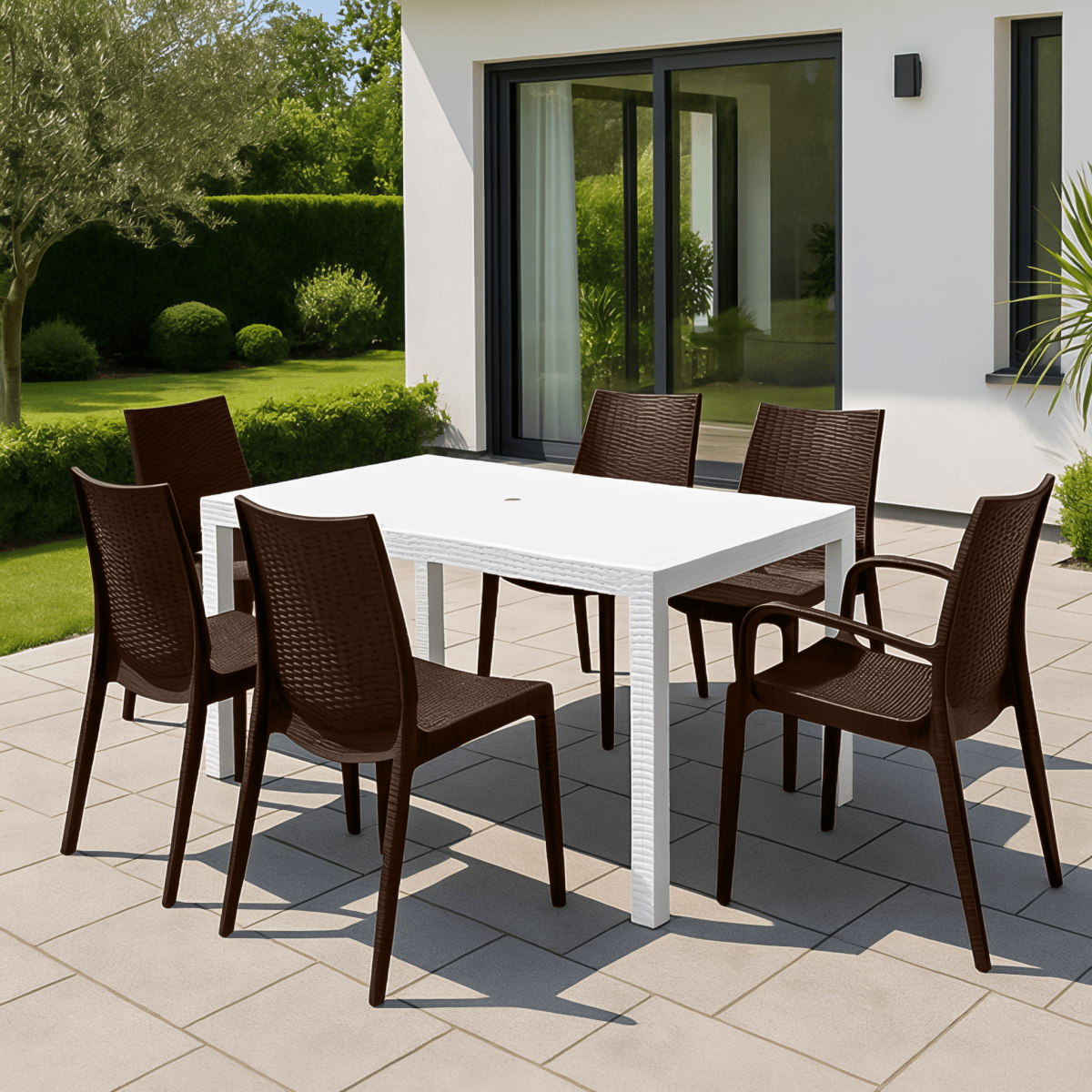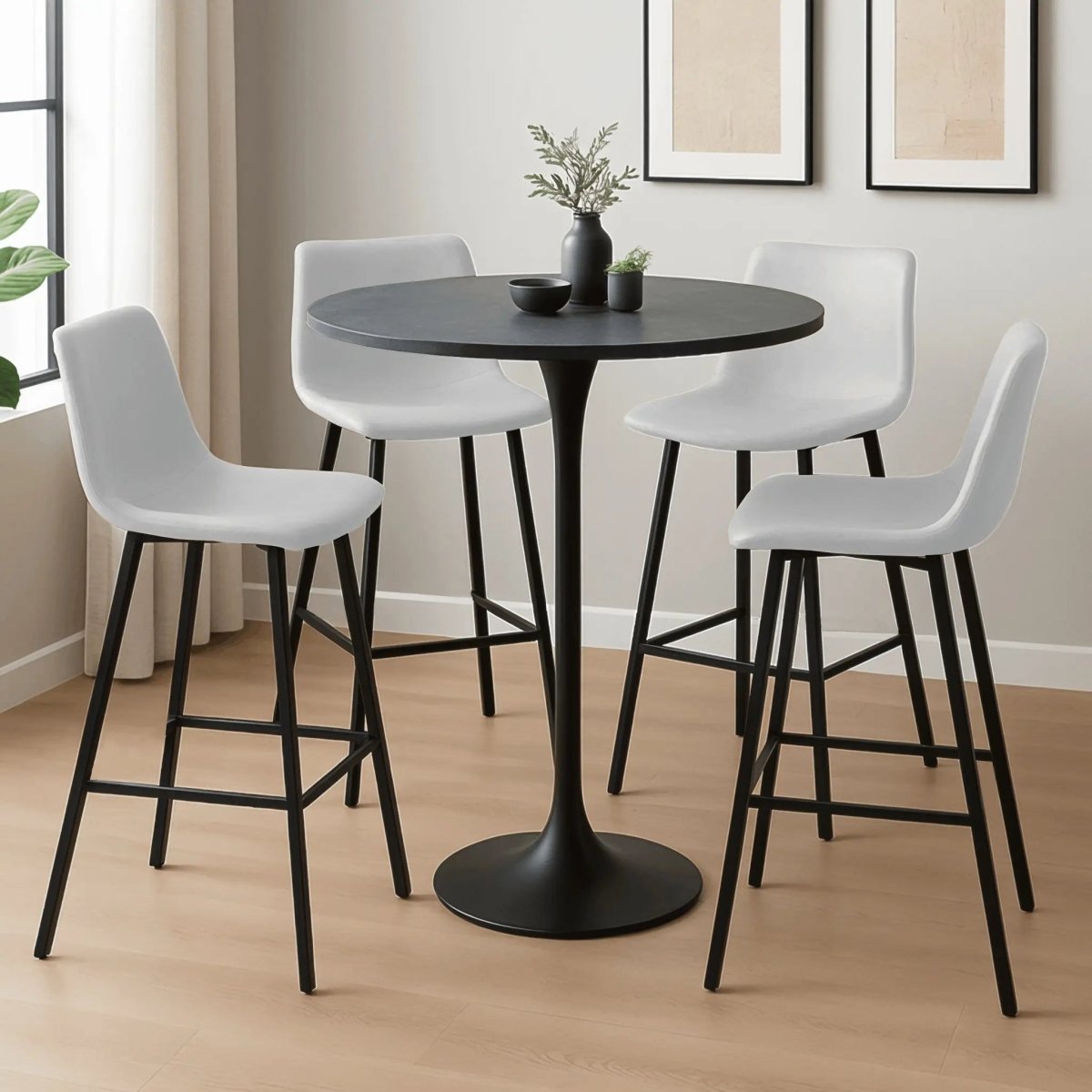


 AI interior design tools are fundamentally changing furniture shopping by allowing buyers to preview a sofa, dining table, or accent chair inside their actual room before spending a dollar. Instead of guessing from flat catalog thumbnails and a tape measure, shoppers and interior designers can upload a smartphone photo, test multiple room layouts, and compare color palettes in minutes. The result is faster decision-making, fewer sizing mistakes, and significantly lower return rates.
What Has Changed for Online Furniture Shoppers
Modern buyers expect to evaluate furniture digitally with the same confidence as visiting a brick-and-mortar showroom. According to the U.S. Census Bureau, U.S. e-commerce reached approximately 17.9% of total retail sales in Q3 2026—its highest share on record. Yet furniture remains uniquely difficult to buy online because proportion, undertone, and fabric texture are hard to judge on a screen.
AI room design tools bridge that visualization gap in three practical ways:
-
Visualizing in Real Space: Instead of imagining how a sectional will look, you see a 3D model placed directly on your floor with realistic room lighting and shadows.
-
Personalized Style Matching: AI algorithms analyze your existing wall color, flooring, and budget to recommend coordinated seating, tables, and lighting.
-
Faster Trade & Showroom Collaboration: Designers and retail buyers can export visual room concepts directly to suppliers or clients, turning days of mood-boarding into a single afternoon review.
How AI Room Planners and AR Visualizers Work
Most digital furniture visualization platforms combine three core technologies to transform a flat photo into an interactive room plan:
-
Computer Vision & Room Scanning: Photo analysis detects floor boundaries, ceiling heights, windows, and ambient light sources to establish perspective.
-
Augmented Reality (AR) Placement: Using a smartphone camera, AR drops a true-to-scale 3D product model into your live hallway or living room so you can walk around it and check clearances.
-
Generative AI Restyling: Generative models redesign an entire room photo into a chosen aesthetic (such as modern, mid-century, or resimercial) and link the visual elements to shoppable furniture listings.
Many modern suppliers also integrate browser-based modular sectional builders, letting buyers snap together armless chairs, corners, and ottomans online without downloading a separate mobile app.
What AI Gets Right vs. Where It Slips
While AI interior design tools excel at speed and visual inspiration, they are not infallible. Understanding what algorithms handle well—and where human verification is mandatory—prevents costly ordering errors.
As 3D visual commerce provider Cylindo highlights in its 2026 industry trends research, the brands winning buyer trust are those anchoring AI visuals in verified, accurate product data rather than generic generative imagery. Always treat an AI render as creative inspiration, and treat the manufacturer’s technical specification sheet as the source of truth.
How Designers, Retailers, and Trade Buyers Use AI Tools
For B2B professionals—including interior designers, home stagers, and hospitality buyers—AI space planning directly protects project timelines and profit margins:
-
Interior Designers & Architects: Generate photorealistic concept boards in hours rather than days, accelerating client sign-offs before placing wholesale orders.
-
Home Stagers & Real Estate Developers: Test multiple furniture configurations in vacant properties to maximize perceived square footage without physically hauling heavy inventory. Exploring versatile pieces across our Commercial Home Staging Furniture catalog lets stagers pair fast digital mockups with ready-to-ship modern staples.
-
Hotels & Restaurants: Previewing banquettes, lobby lounge clusters, and dining layouts in advance prevents expensive volume mistakes when ordering across dozens of guest rooms or dining zones.
Trust Signals to Look for in an AI Shopping Tool
As generative visuals become widespread, regulatory agencies—including the Federal Trade Commission (FTC)—have emphasized that businesses must keep AI-driven product claims truthful, transparent, and backed by accurate evidence. Before relying on any AI room visualizer to make a purchase, look for four essential trust signals:
-
Clear AI Disclosures: Renders are transparently labeled as AI-generated or digitally staged.
-
Side-by-Side Product Dimensions: Exact width, depth, seat height, and clearance measurements appear directly beside the visual preview.
-
Direct SKU Linking: The tool links to an actual, in-stock product listing rather than a generic lookalike item.
-
Transparent Return & Damage Policies: Clear freight inspection and return terms protect you if a piece looks different in person.
A 5-Step Workflow for Using AI Before You Buy Furniture
To combine the speed of AI visualization with the accuracy of traditional space planning, follow this five-step checklist before checking out:
-
Measure Architectural Boundaries First: Record exact wall lengths, ceiling heights, doorway widths, and walking paths—aiming for 30 to 36 inches of unobstructed walkway clearance.
-
Capture a Bright, Level Room Photo: Stand in a corner during daylight hours so the AI scanner reads floor lines and window light accurately.
-
Compare Two or Three Focused Layouts: Test distinct traffic flows rather than generating dozens of distracting variations.
-
Cross-Check Listed Product Dimensions: Confirm that the actual sofa, accent chair, or dining table dimensions on the product page match the scale shown in your preview.
-
Verify Materials and Care Codes: Review wood frame construction, foam density, and upholstery wear ratings—or order physical fabric swatches—before finalizing your order.
How LeisureMod Connects AI Inspiration With Real Inventory
An AI visualizer shows you what a room could look like, and LeisureMod supplies the commercial-grade and modern furniture behind it. Founded in 2015 in Rahway, New Jersey, LeisureMod partners with retailers, interior designers, stagers, and hospitality buyers nationwide—offering no minimum order quantity (MOQ) and fast dispatch from both East Coast and West Coast warehouses.
Whether you are testing a living room concept around our Modern Sofa Sets and Accent Chairs or outfitting a multi-unit commercial project, every LeisureMod product page lists exact dimensions, frame materials, and weight specifications so you can verify every detail your room planner displays.
Smarter Furniture Buying Starts With Verification
AI interior design tools will not replace personal taste, a reliable tape measure, or transparent product specs, but they have permanently removed the guesswork from online furniture shopping. Use AI room planners to narrow your style and test layouts quickly, then confirm every dimension before placing your order. Ready to turn your layout into real inventory? Apply for a LeisureMod B2B Trade Account—reviewed within 24 to 48 hours—or contact our team to match your floor plan with in-stock pieces.
Frequently Asked Questions
Are AI room design tools accurate enough to buy furniture from?
AI room design tools are accurate enough for comparing styles, color palettes, and general room layouts, but they should not replace manual measurements. Always cross-check the exact width, depth, and seat height listed on the product page—along with your doorway widths—before buying furniture.
Is AI interior design software free to use?
Yes, many AI room planners and AR furniture visualizers offer free tiers or browser-based tools that let you preview basic layouts at no cost. However, high-resolution 3D renders, custom CAD exports, and unlimited room restyling often require a paid monthly subscription.
Can AI interior design tools replace a professional interior designer?
No, AI tools cannot fully replace a professional interior designer. While AI accelerates early mood boards and layout brainstorming, human designers manage structural renovations, lighting ergonomics, custom sourcing, trade budgets, and building code compliance that automated renders cannot handle.
Does AR furniture shopping actually reduce return rates?
Yes, retail industry data shows that augmented reality (AR) previews significantly boost buyer confidence and reduce size-related furniture returns. Seeing a true-to-scale 3D model inside a live room helps shoppers spot oversized sofas or blocked walkways before completing checkout.
How do I make sure an AI furniture render matches the real product?
Use an AI visualizer built directly into a supplier's catalog that links to specific SKUs rather than generic images. Then verify the product page’s exact dimensions, material specifications, and color names—and request physical fabric or finish swatches whenever possible.