


Walk into almost any home office or corporate floor, and you'll find desks built to roughly the exact same vertical measurement: 28 to 30 inches (71 to 76 cm) from floor to tabletop. That's the baseline standard desk height. It became the commercial benchmark back in the mid-20th century, specifically designed to fit a 5-foot-10-inch man sitting upright.
Decades later, it's still the default height for writing desks, computer setups, and modular office suites. But here's the catch—very few of us match those exact mid-century proportions. Fitting your body to a static surface takes a bit of planning. If you want to work comfortably without ending up with sore shoulders or a stiff neck, you have to look at how your desk dimensions interact with chair adjustments, legroom clearance, and actual posture.
Why Workspace Dimensions Impact Body Ergonomics

Good ergonomics comes down to basic mechanical leverage. Sit down in your office chair: your feet should rest flat against the floor with your knees bent at a clean 90-degree angle. Your forearms ought to float parallel to the desktop, elbows hovering around a 90 to 100-degree bend. Your shoulders shouldn't feel hiked up toward your ears, nor should you be slouching forward just to reach your keyboard.
|
Body Point / Joint |
Targeted Mechanical Angle |
Target Elevation & Distance |
|
Eye Line Alignment |
Neutral horizontal gaze |
Top 1/3 of monitor screen elevation |
|
Elbow & Forearm |
90° – 100° Bend |
Desktop surface level (28" – 30") |
|
Hip & Lumbar |
90° Neutral posture |
Seat cushion height (16" – 21") |
|
Knee Clearance |
90° Bend |
Under-desk gap (8" – 12") |
|
Feet Position |
100% Flat on surface |
Floor / Adjustable footrest plane |
When a desktop elevation misses your ideal height, physical discomfort follows pretty quickly:
-
Surface is too high: You end up hitching your shoulders up to type. That puts constant strain on your trapezius muscles, compresses your upper spine, and leaves hard desktop edges digging into your forearms.
-
Surface is too low: You involuntarily hunch over. Hunching rounds your shoulders and bends your lower back, putting excess pressure on your lumbar discs and mid-back muscles.
Technical Specifications & Spatial Clearance Calculations
Designing a functional workstation takes a few straightforward measurements. Beyond checking overall desk dimensions, you need to factor in how seat pan height, knee clearance, and armrest heights work together under the tabletop.
The Core Clearance Formula
Setting up a balanced workstation means getting these core spatial dimensions right:
|
Dimension Measurement |
Standard Range (Inches) |
Engineering & Ergonomic Target |
|
Standard Desk Height |
28" – 30" |
Elevation from finished floor to top surface. |
|
Seat Pan Height |
16" – 21" |
Pneumatic adjustment range for feet-flat alignment. |
|
Knee Clearance Gap |
8" – 12" |
Distance between top of chair cushion and underside of desk frame. |
|
Armrest Clearance |
27.5" – 29" |
Height needed for armrests to slide cleanly beneath the frame. |
|
Under-Desk Depth |
Min. 24" |
Unobstructed horizontal depth for leg stretch and footrests. |
If you're pairing a fixed surface with new seating, browse our commercial-grade adjustable ergonomic office chairs collection. Built-in pneumatic gas-lift cylinders let you dial in the exact seat-to-desk ratio your posture needs.
Calculating Ideal Desk Height by User Stature
Since a standard 29-inch desk assumes a specific body type, anyone outside that range will need a few simple tweaks to stay comfortable:
-
Under 5'4" (162 cm): Your sweet spot for typing sits closer to 24" to 26". If you're working at a fixed 28–30 inch desk, raise your chair seat high enough to level your arms, then slide a footrest underneath so your legs aren't dangling.
-
5'4" to 5'11" (162–180 cm): Standard 28" to 29" desk elevations generally fit well. Pair them with standard task chairs adjusted between 17" and 19" from the floor.
-
6'0" and Above (183+ cm): You'll usually need a surface height between 30" and 32". Taller users benefit from high-back executive chairs with extended gas cylinders and wider tilt limits to properly support a longer spine.
Materials, Frame Engineering, and Structural Rigidity
A desk's frame construction determines how well it holds up over time, how much weight it handles without bowing, and whether it stays completely solid while you work.
|
Workstation Structural Layer |
Engineering Specifications |
Functional & Performance Benefit |
|
Surface Top Material |
High-Pressure Laminate (HPL) / Solid Core |
Scratch-resistant, impact-proof, non-warping surface plane |
|
Sub-Table Frame & Apron |
Under-table steel support structure |
Prevents top deflection; rated for 250+ lbs load capacity |
|
Leg Assemblies & Base |
Powder-coated / Stainless steel tubing |
Eliminates lateral wobble and frame twist under load |
Frame Engineering and Load Capacities
-
Powder-Coated Steel & Stainless Steel Frames: Look for commercial steel tubing with a 1.5mm to 2.0mm wall thickness. Heavy-gauge metal frames eliminate annoying side-to-side wobble under multi-monitor setups, carrying weight ratings anywhere from 250 to 300+ lbs.
-
Solid Wood & Engineered Composite Tops: High-density composite cores wrapped in high-pressure laminate (HPL) hold up against spills, heat, and daily wear without warping over time.
-
Under-Desk Apron Clearance: Watch out for traditional desks built with thick wooden aprons right under the top edge. Any apron thicker than 2 inches cuts into your thigh clearance, forcing you to drop your chair height lower than it should be. Minimal steel frame bases give you far better legroom.
To pair your desk layout with durable commercial seating, explore our master catalog of modern office chairs and workspace solutions to match sturdy metal framing with supportive seating.
Fixed Standard Desk Height vs. Height-Adjustable Standing Desks
Deciding between a traditional fixed writing surface and an electric sit-stand desk comes down to how you work, who uses the space, and your layout goals.
|
Feature & Specification |
Fixed Writing Desks (28"–30") |
Adjustable Sit-Stand Desks (22"–48") |
|
Frame Stability |
Maximum fixed structural rigidity |
Dynamic multi-stage telescoping legs |
|
User Adaptability |
Tailored to single average height |
Accommodates multi-user height rotations |
|
Design Integration |
Clean architectural profiles & drawers |
Modern motorized drive mechanism |
|
Maintenance Needs |
Low maintenance; no electrical parts |
Requires reliable motor mechanisms |
Fixed Writing Desks
A solid writing desk set at 28 to 30 inches gives you unbeatable frame stability, clean design lines, and integrated storage options. They're a classic choice for executive offices or dedicated home workspaces where matching surrounding credenzas and bookcases matters most.
Electric and Manual Height-Adjustable Desks

Motorized sit-stand desks rely on telescoping legs that move anywhere from 22 inches up to 48 inches. That wide adjustment span lets a single workstation fit shorter seated users just as well as tall users standing up.
-
Sitting Mode (24" - 30"): Lets you micro-adjust your typing plane so your arms rest at a true 90-degree angle.
-
Standing Mode (38" - 46"): Makes it easy to switch positions during long work sessions, taking continuous pressure off your lower back.
If you stick with a fixed-height setup, make sure your chair features high-density foam cushions (1.5 to 2.0 lbs/cu. ft.) to keep your hips supported throughout the day. Check out our full line of contemporary office seating collection to find the right ergonomic match for your setup.
Integrating Workstation Heights Across Multipurpose Interiors

In open-plan homes and modern studio apartments, work zones often sit right next to living areas or kitchen islands. Keeping an eye on how different surface heights align helps your overall room layout feel intentional and open:
-
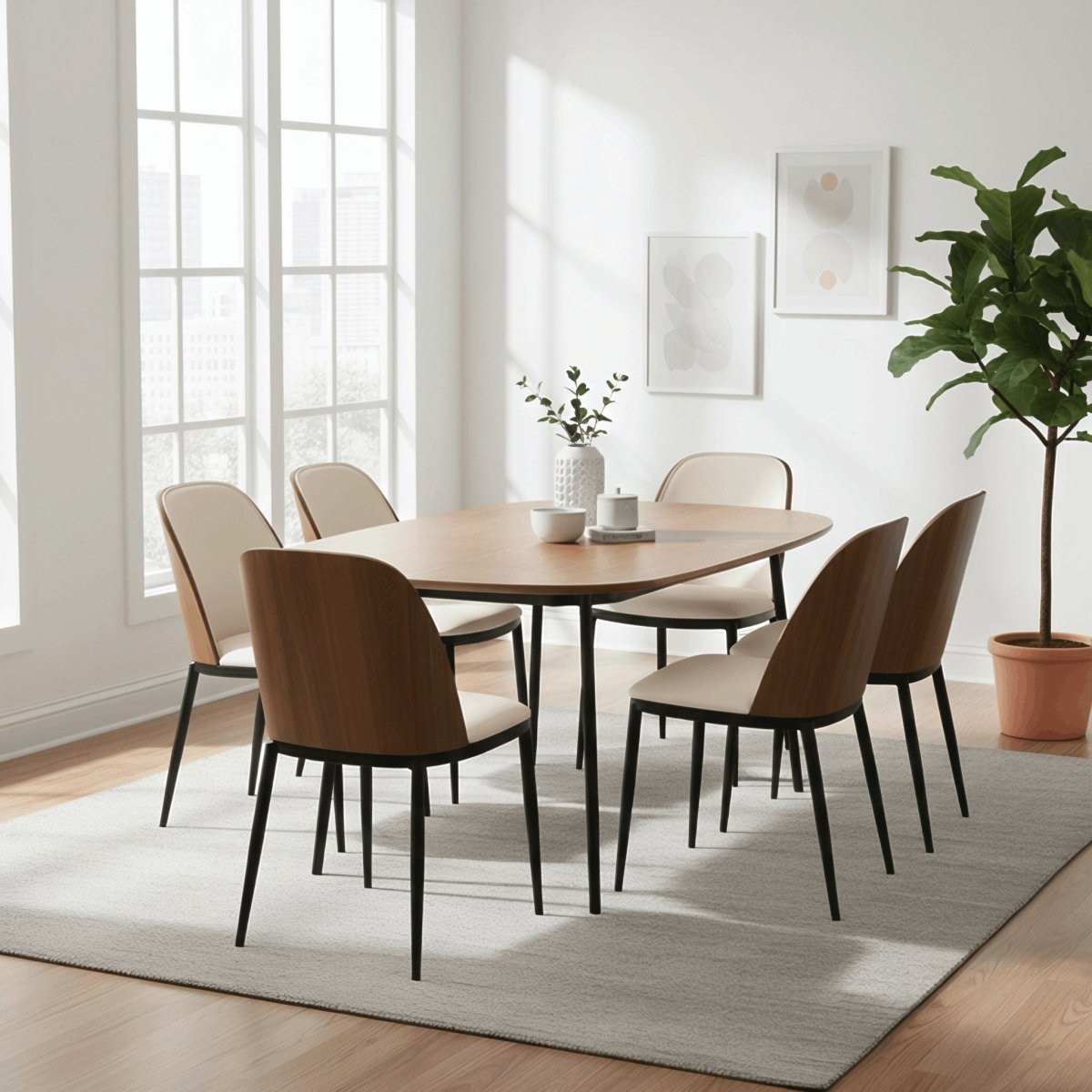
Standard Desk & Dining Height (28" – 30"): Designed for seated typing, writing, and formal dining.
-
Counter Height (34" – 36"): Common for kitchen islands and casual work nooks. These spots pair nicely with swivel counter height chairs when you want a comfortable secondary spot to pop open a laptop.
-
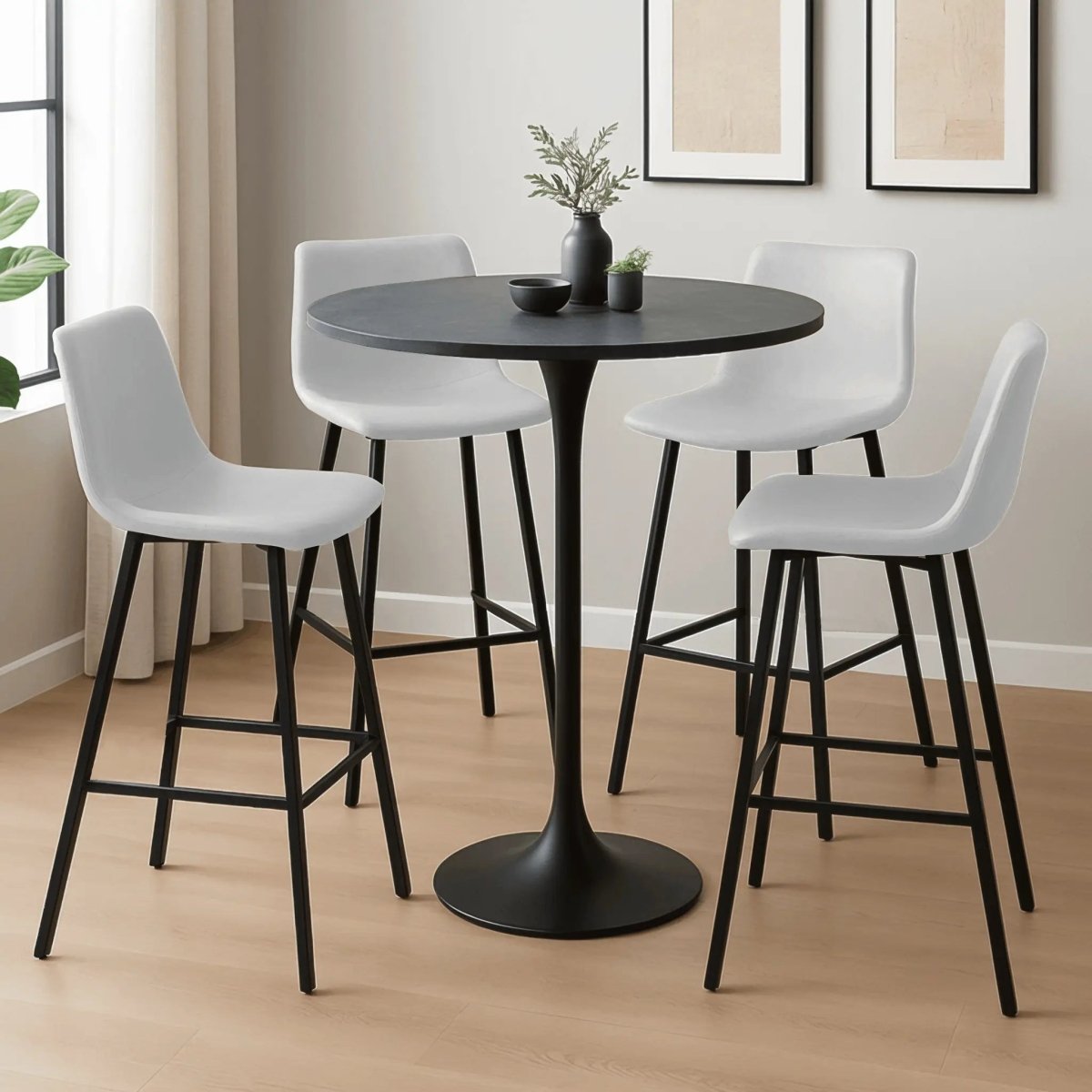
Bar Height (40" – 42"): Tall accent counters and high-top room dividers.
When mixing working zones into living areas, incorporating clean accent seating like low back bar stools or luxury kitchen seating maintains open sightlines while giving you comfortable options for flexible everyday use.
Frequently Asked Questions About Standard Desk Height
What is the normal height of a home office workstation?
Most standard home office desks measure between 28 and 30 inches (71 to 76 cm) tall from floor to tabletop. That range works well for most adults when paired with a height-adjustable chair that supports flat feet and 90-degree elbow angles.
How do I figure out the best desk height for my posture?
Sit upright in your task chair with your feet flat on the floor and knees bent at 90 degrees. Bend your arms 90 degrees at the elbow with your shoulders fully relaxed. Measure straight up from the floor to the underside of your forearms—that distance is your personal ideal desktop height.
Are standard 29-inch computer desks too tall for shorter people?
Yes, a fixed 28 to 30-inch desktop is often too high for anyone under 5 feet 6 inches tall. To fix the gap without buying a new desk, raise your chair until your arms rest flat on the table, then place an adjustable footrest under your feet to maintain proper leg support.
How does standard desk elevation compare to kitchen counter height?
A standard desk stands 28 to 30 inches high, while a standard kitchen counter sits at 36 inches. Desks are designed for standard office task seating (16"–21" seat height), whereas counters require taller counter stools (24"–26" seat height).
What amount of vertical legroom should be between an office chair and the desk top?
Aim for 8 to 12 inches of space between the top of your chair cushion and the top of the desktop. That range leaves plenty of room for your thighs while keeping your forearms at a natural height for typing.